Mike's Checks/claude-fable-5-1/09 pptx/compound engineering
09 pptx · compound engineering
claude-fable-5-1Claude Codehigh effortrun 22 Sep 20262,681,490 tokens
▸Instructions — what the model was asked
create a powerpoint in the every brand style on compound engineering, 30 min session https://every.to/guides/compound-engineering
A pptx skill is in skills/pptx/ — read skills/pptx/SKILL.md first. pptxgenjs is installed in the workspace, so require("pptxgenjs") works from here with no network. The brand guide is every-visual-style.md.
Answer
Checks
16/18Brand colorspalettethis task
share of rendered pixels on Every's documented palette, and whether the deck stays inside one theme (needs Pillow)
No AI-tell wordingai-wordingevery task
deliverable text contains none of the shared AI-tell phrases in bench/ai-tells.txt. Task checks may add narrower contractual bans, but must not repeat this shared floor.
inspected ANSWER.md, compound-engineering-every.pptx, every-visual-style.md, skills/pptx/SKILL.md, skills/pptx/LICENSE.txt, build/build_deck.js
Deck opensopensthis task
a .pptx exists and parses (python-pptx when installed, stdlib zip+XML otherwise)
Slide countslide-countthis task
8-20 slides -- sane for a 30-minute session
No overlapping textno-overlapthis task
no two text-bearing shapes on a slide overlap materially (Mike's first question: "Is the writing overlapped?")
Slides renderrenderthis task
every slide rendered to a PNG in <output-dir>/_screenshots/ via LibreOffice (soffice --convert-to pdf) + pdftoppm. FAIL when required render tools are unavailable.
Q1Readable slidesthis task
Judge's reasoning
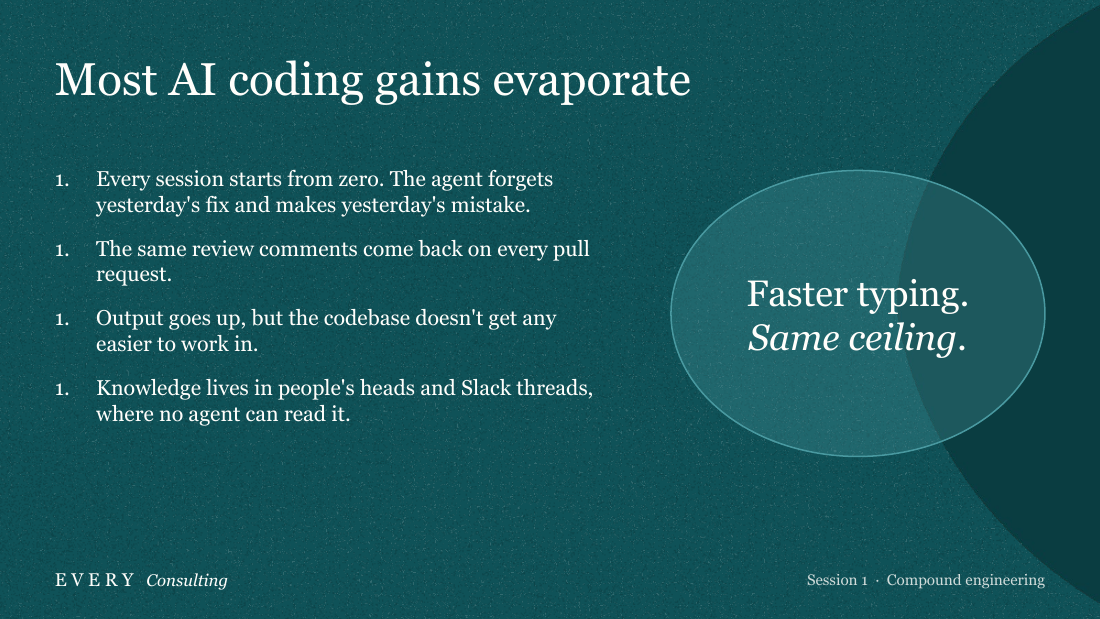
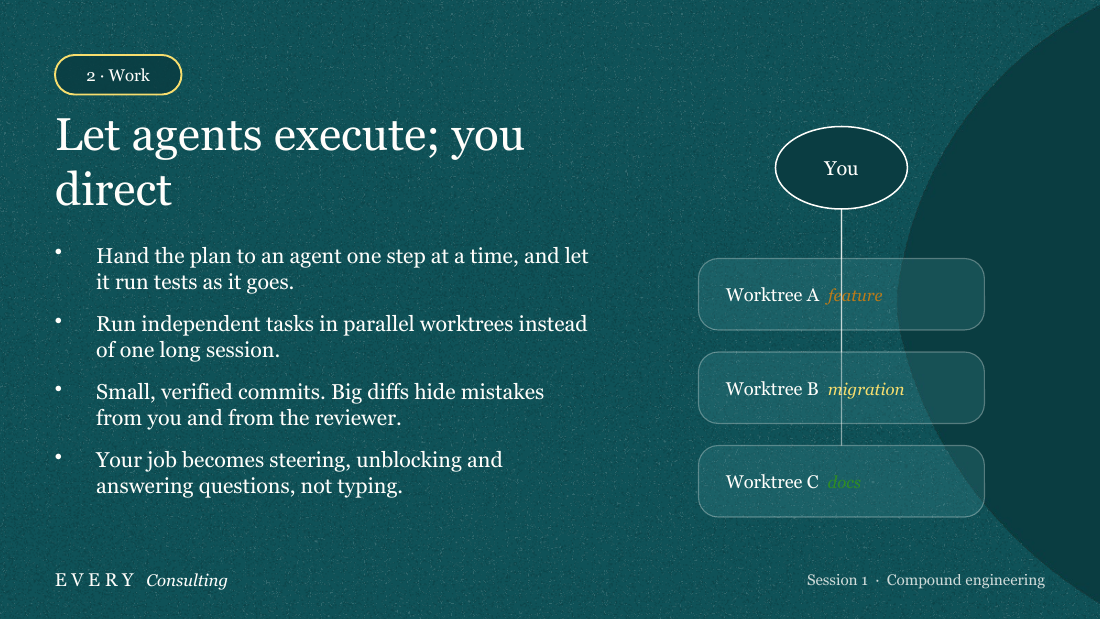
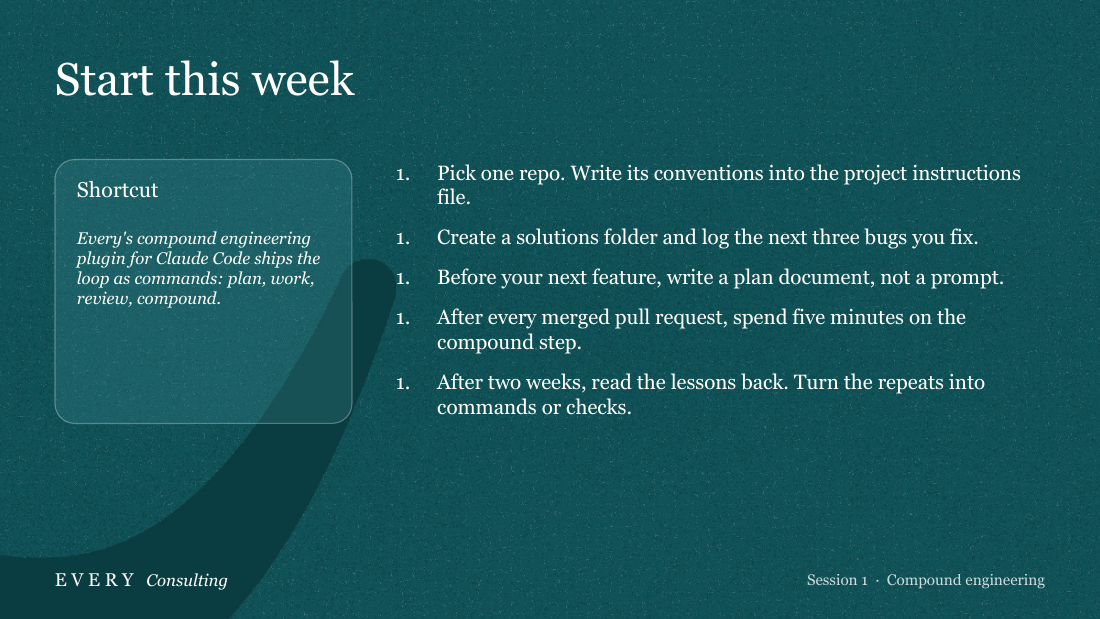
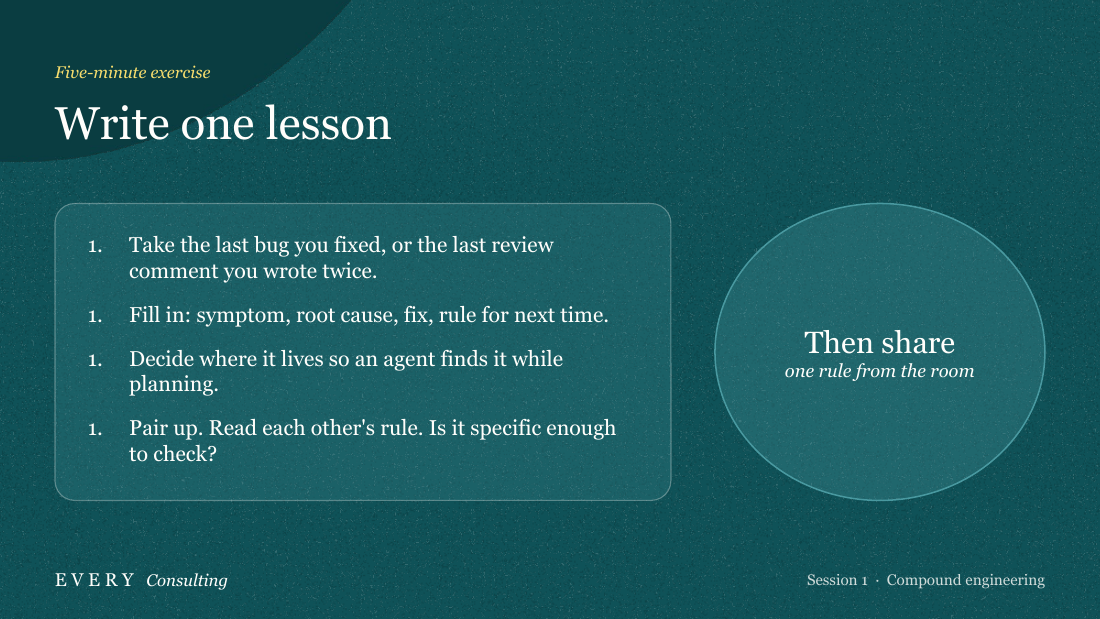
On slide 9 the vertical connector line runs through the 'feature' and 'migration' labels, and 'docs' in dark green on teal is barely readable. Slides 3, 15 and 17 also number every list item '1.'
▸Rubric
Every slide is legible as rendered. FAIL if any slide has text running off the edge, text clipped by its container, text over an image or shape at unreadable contrast, or headline and body colliding. (A separate script check already catches overlapping text boxes; this question covers what the geometry check cannot see — overflow, clipping and contrast in the actual render.)
Q2Every's color palettethis task
Judge's reasoning
Every slide (1–18) uses the Consulting/Teal palette consistently: Teal Dark background, darker teal swooshes, warm-white text, and gold, yellow and green accents. The theme never flips.
▸Rubric
The palette is Every's. Theme 1 (Editorial): background Every Black `#121212` (or Warm Cream `#F5F2ED` for light slides), Every Blue `#C0F0FB` as the signature accent, white text, with `#FA7B20` / `#E9731E` / `#C4400F` / `#349361` / `#1324CB` / `#7301CC` as accents. Theme 2 (Consulting): background Teal Dark `#0F5258` with Teal Medium `#4999A0` for depth, Warm White `#FFFEFB` text, `#BB7B19` / `#F8DE6E` / `#2E8D23` accents. FAIL if the deck's colors are visibly not these — corporate blue, generic slide-template gray, purple-black AI dark mode, neon gradients — or if it flips between the two themes across slides. Close-but-different shades are fine; a different palette is not.
Q3Serif typographythis task
Judge's reasoning
Headlines and body text on every slide are set in a Georgia-style serif; there is no sans-serif main content.
▸Rubric
Typography is serif. The brand is serif-first: Signifier, or its documented PowerPoint substitutes Georgia and Times New Roman. Sans-serif (Switzer / DM Sans) is allowed only for small labels — session indicators, footers, captions. FAIL if headlines or body text are set in a sans-serif face (Arial, Helvetica, Calibri, Inter). "Sans-serif for main content" is on the brand guide's explicit avoid list.
Q4No banned decorationthis task
Judge's reasoning
No slide has triangles, hexagons, slashes, corner brackets, drop shadows, gradients, stock photos or rotated text; the decoration is only rounded translucent cards, pills and organic arcs.
▸Rubric
No forbidden decoration. The brand guide bans, in both themes: triangles, hexagons and other geometric accents; diagonal slashes and hard section dividers; corner brackets or L-shaped frames; drop shadows on boxes; heavy or double borders; stock photography; gradient backgrounds; rotated or outlined text. FAIL if any of these appears on any slide.
Q5Required design elementsthis task
Judge's reasoning
Large edge-cropped brushstroke swooshes appear on most slides (1–4, 6, 7, 9–11, 13, 15–18), and a stippled classical temple appears on slides 1 and 18.
▸Rubric
The signature elements are there. Every decks carry organic brushstroke swooshes (the E / O / R SVG shapes, cropped at the slide edge, scaled large) and stippled classical illustrations — Greek and Roman architecture, figures, busts, sometimes with modern elements. The guide says to use the swooshes "liberally once every two or three slides." FAIL if the deck has neither swooshes nor classical illustration, or if such elements appear on fewer than roughly one slide in three. Mike's question on this eval: "does it use the, uh, SVGs?"
Q6Consistent footerthis task
Judge's reasoning
Every slide carries the same footer: 'EVERY Consulting' on the left and 'Session 1 · Compound engineering' on the right.
▸Rubric
The footer is consistent. Theme 1: EVERY logo left, `every.to` right. Theme 2: EVERY *Consulting* left, session indicator right. FAIL if content slides carry no footer, or if the footer appears on some and not others.
Q7Enough substancethis task
Judge's reasoning
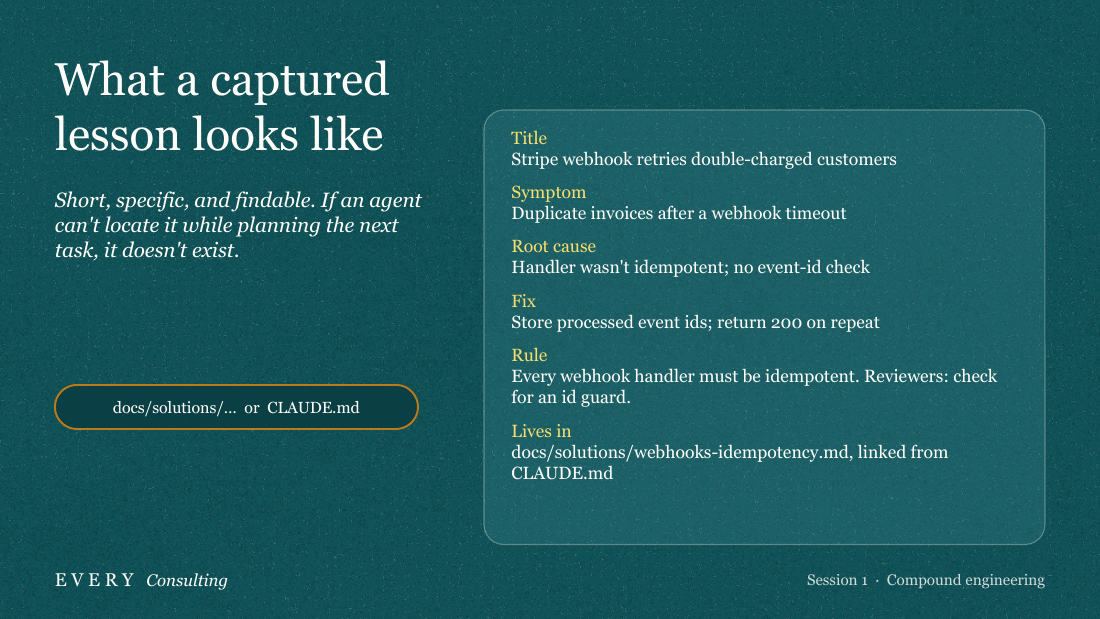
The deck covers the plan/work/review/compound loop, parallel worktrees, specialised review agents, the 80/20 planning split, the four things that compound, the plugin, and a concrete webhook-idempotency lesson on slide 12, so it goes beyond generic advice.
▸Rubric
The content has real depth. Mike: "the main failing of the decks generated by AI is still the content is quite shallow." PASS when the deck carries the load-bearing substance of the selected case's brief and source material: its important mechanisms, distinctions, evidence, and consequences. FAIL if the deck could have been written without reading those materials, reduces the subject to generic advice, or makes unsupported claims.
Q8Interesting materialthis task
Judge's reasoning
It argues a clear point of view: AI coding gains evaporate unless lessons are captured (slides 3–5). It also names the compound step as the one teams skip, and adds success metrics (slide 14), failure modes (slide 16) and an exercise (slide 17).
▸Rubric
It picked interesting things to say. Mike's question on this eval: "does it pick out interesting things to write about." PASS when the deck makes a selective, coherent argument about what this audience should remember or do. FAIL if it merely inventories the supplied material in source order, restates headings, or includes facts without a point of view about why they matter.
Q9One idea per slidethis task
Judge's reasoning
Each slide carries one message. Slides 8–12 are the densest, but each still focuses on a single step or example and stays spacious enough to read in the room.
▸Rubric
One idea per slide. Mike: it fails "if it tries to fit too many ideas on one slide." The brand guide says the same thing — "clear focal point: one main message per slide," "spacious, not cluttered." FAIL if any single slide carries more than one idea, or is packed so densely that a room could not read it while the presenter talks.
Q10Useful visualsthis task
Judge's reasoning
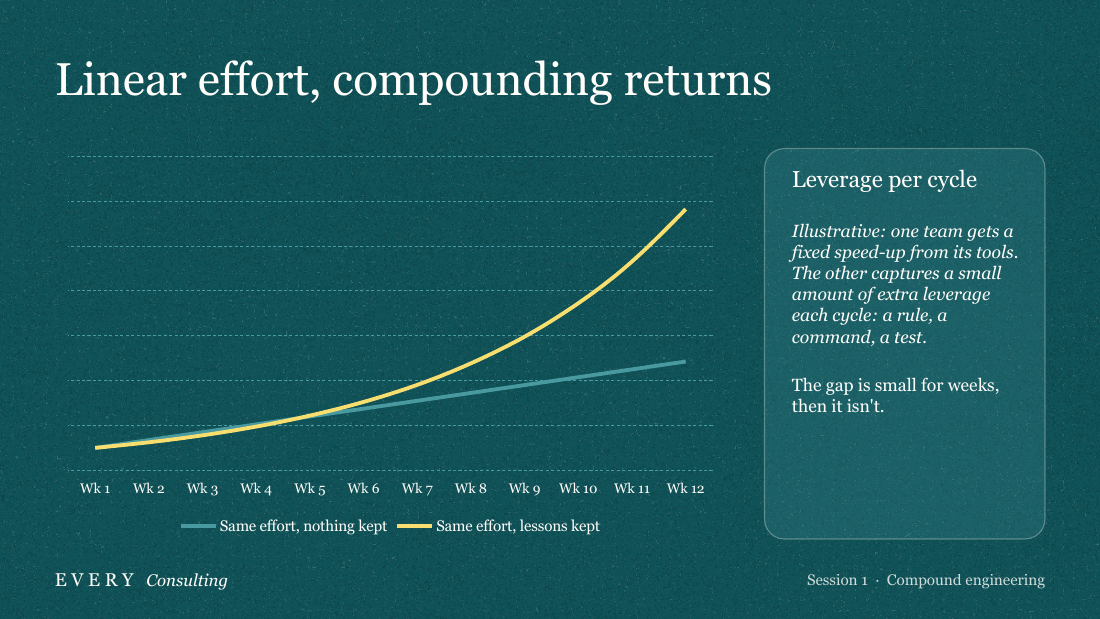
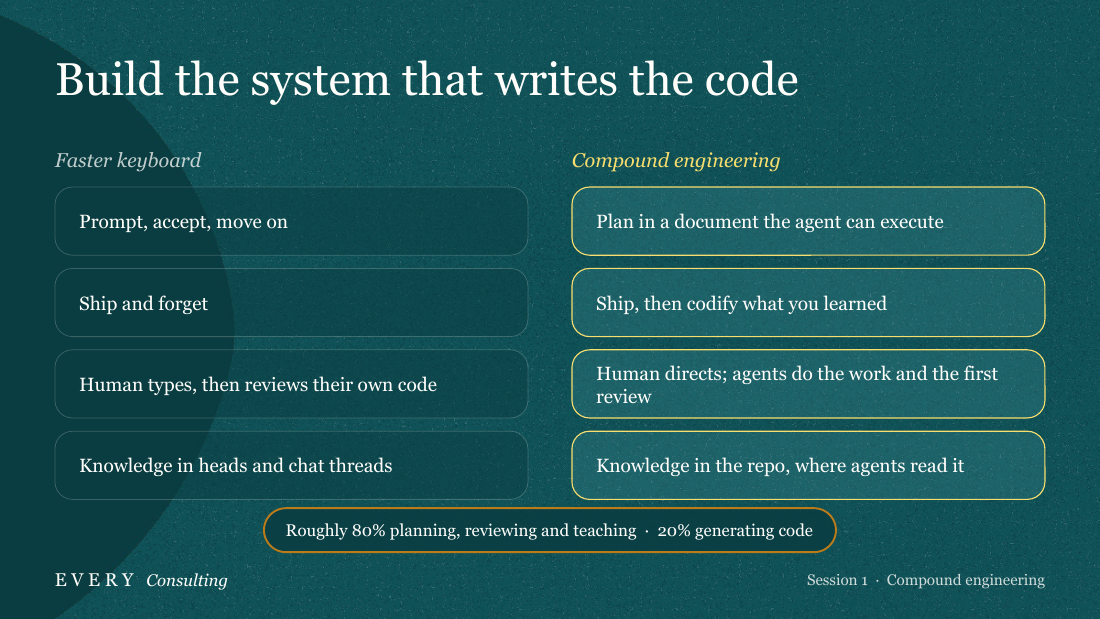
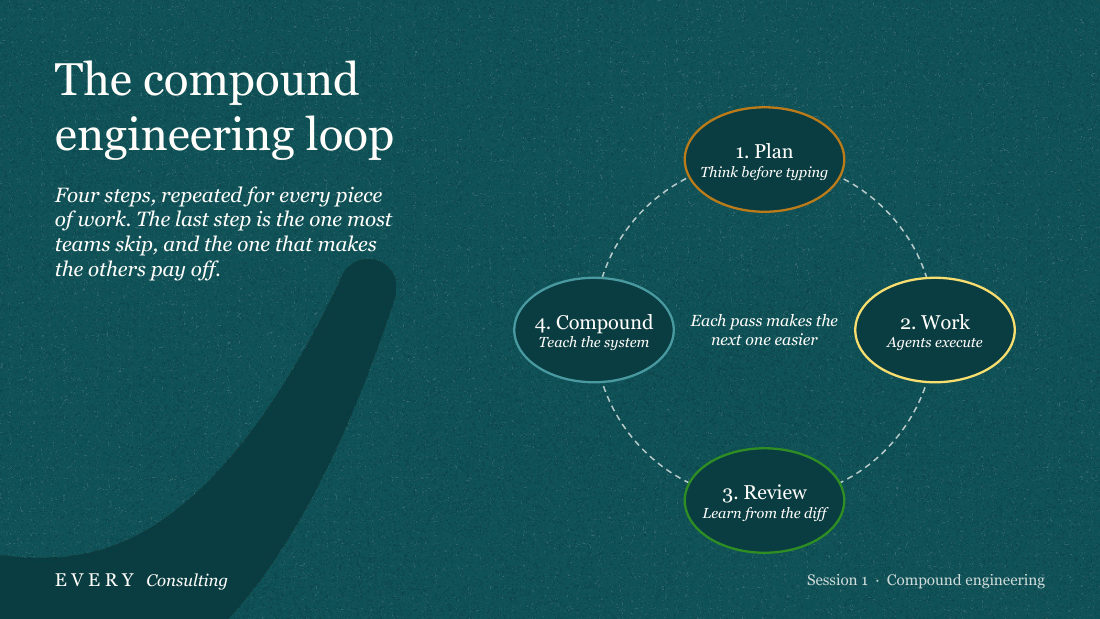
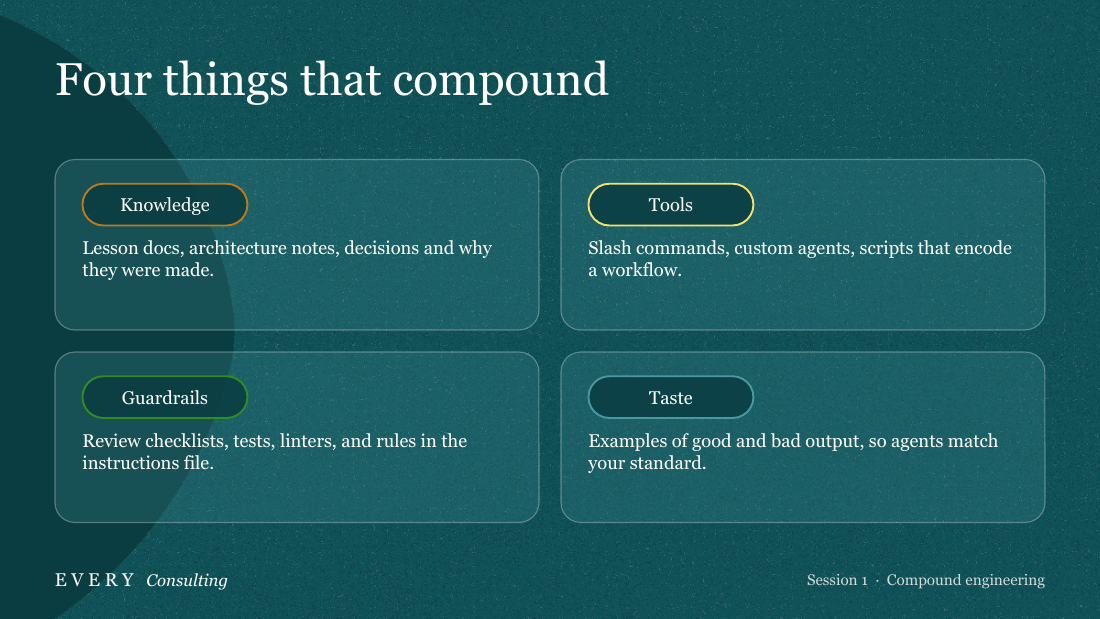
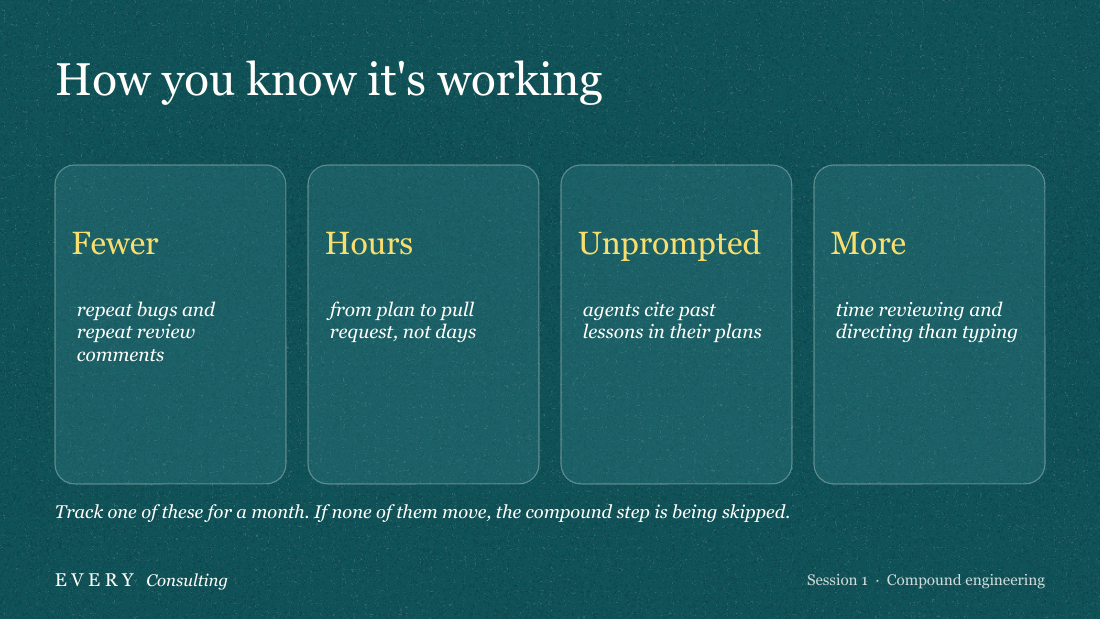
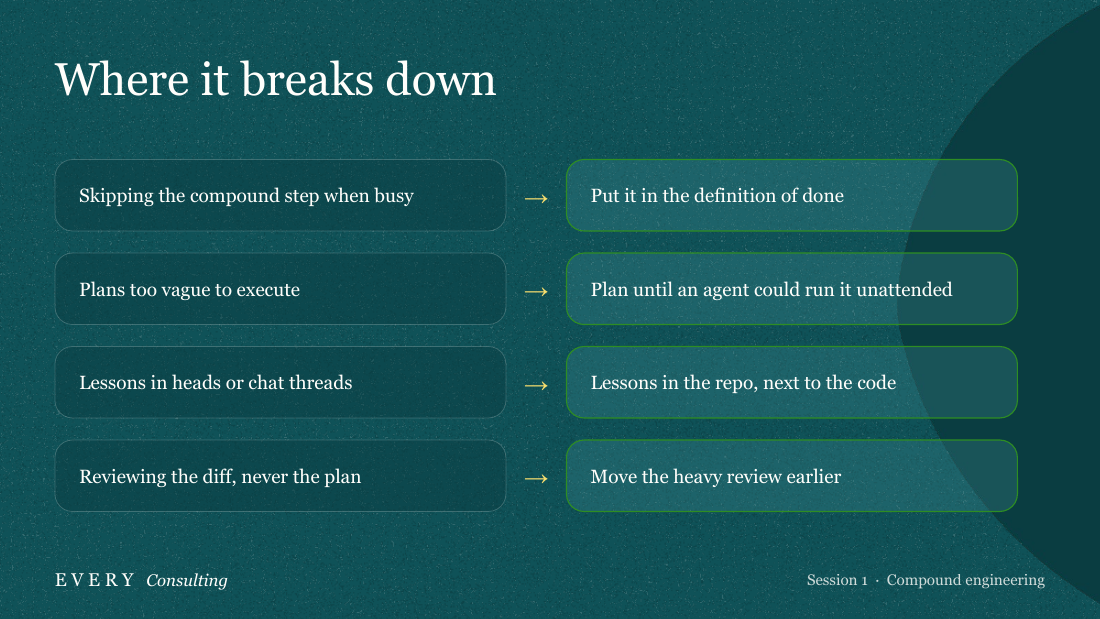
Most slides have real visuals: the loop diagram (7), compounding curve (5), side-by-side comparison (6), worktree tree (9), 2x2 grid (13), metric cards (14) and fix arrows (16). The bullet slides pair their lists with visual panels.
▸Rubric
Real visual elements, not walls of bullets. Mike's question: "does it create good visual elements." Real means: a diagram of the loop, a staged progression, a 50/50 split with illustration, a quote in an organic blob, a comparison built from shapes — something that carries meaning visually. FAIL if the majority of content slides are a title plus a bulleted list.
Q11Does the deck carry the guide's load-bearing compound-engineering substance?this case
Judge's reasoning
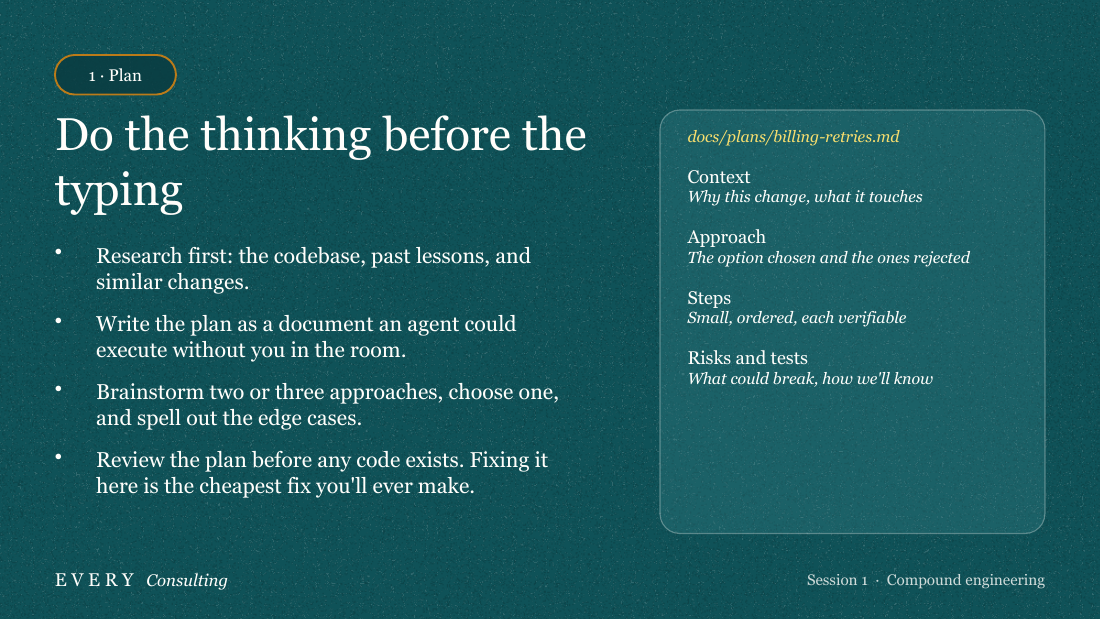
Slides 7–11 walk through the plan → work → review → compound loop, and slide 7 names Compound as 'the one most teams skip, and the one that makes the others pay off'. Concrete artifacts appear throughout: CLAUDE.md, docs/solutions, slash commands, custom agents and the Claude Code plugin (slides 11–13, 15). Slide 6 states the 80/20 split. Slide 15 ('Start this week… After two weeks…') gives a phased path to adoption, although it doesn't reproduce the guide's own adoption stages.
▸Rubric
Does the deck carry the guide's load-bearing compound-engineering substance? PASS when it explains the plan → work → review → compound loop, makes the compound step the differentiator from ordinary AI-assisted work, and uses concrete artifacts such as CLAUDE.md, reusable agents, skills, or commands. It should also convey the guide's 80/20 shift and staged adoption path. FAIL when it substitutes generic AI productivity or prompting advice for those mechanics.
Q12Does the session make a deliberate choice about what matters most in the guide?this case
Judge's reasoning
The deck argues a clear point: gains evaporate unless you do the compound step. It opens on that problem and a compounding chart, then goes past the loop to a worked lesson example, signals that it's working, failure modes and a hands-on 'write one lesson' exercise. It is not a heading-by-heading table of contents.
▸Rubric
Does the session make a deliberate choice about what matters most in the guide? PASS when the 30-minute deck selects and connects the guide's most consequential ideas for the audience. FAIL when it is effectively a table of contents—one slide per source heading in source order, without a point of view about what the audience should retain or change.